Projects, Cloud Sync & Backups
Estimated reading time: 4 minutes
Your designs live in projects, and Protoboard Designer gives you two places to keep them: local to one device, or synced through the cloud across the web app, iPhone, iPad and Android. This page explains the difference, plus the .pbd backup format that moves projects anywhere.
Signing in
Designing starts with a free account — open the app and sign in with Google. There's no credit card, nothing to install on the web, and the free plan includes the full editor, the Design Rule Check, 3 cloud-synced boards, 5 custom footprints and mirrored 1:1 PDF masks for home etching.
Earlier releases let you try the editor without an account. If you left an unsaved draft behind in one of those versions, it's still on your device — the app offers to move it into your account the first time you sign in.
Local vs cloud projects
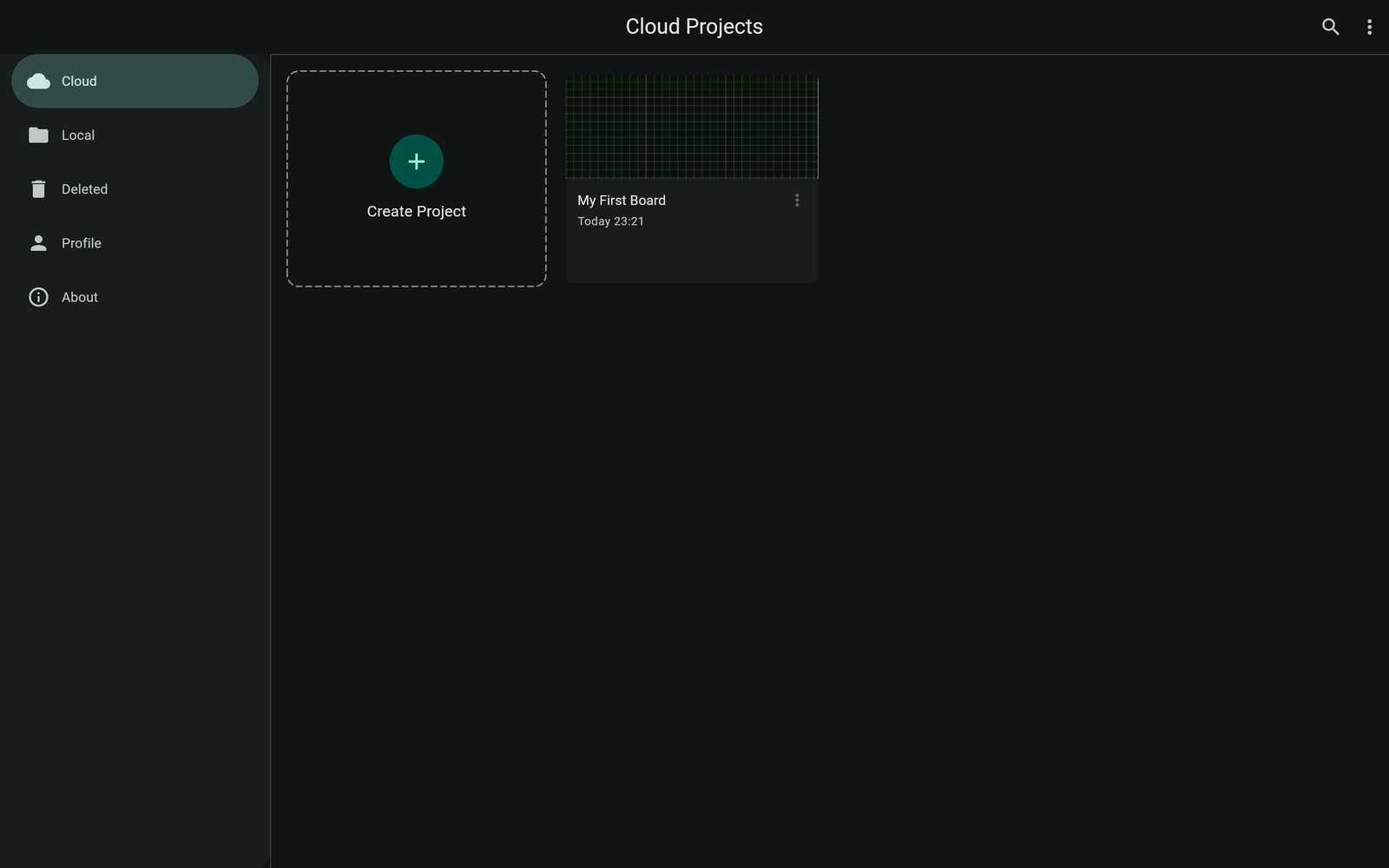
The project list has two sections:
- Local — projects stored only on the current device, never uploaded. No connection needed. Good for scratch work.
- Cloud — projects stored with your account and synced automatically while you edit. Start on the web, continue on your iPhone, iPad or Android phone; the latest version is always waiting. There's no in-editor sync indicator yet — open the project list on another device to confirm a board synced.
Your plan sets how many cloud boards you can keep: 3 on Free, 20 on Maker, unlimited on Engineer.
Backups: export and restore .pbd files
A .pbd file is a complete, portable snapshot of one project — available to everyone, on every plan. Use it for backups before big changes, moving a board between accounts, or sharing a design with a friend.
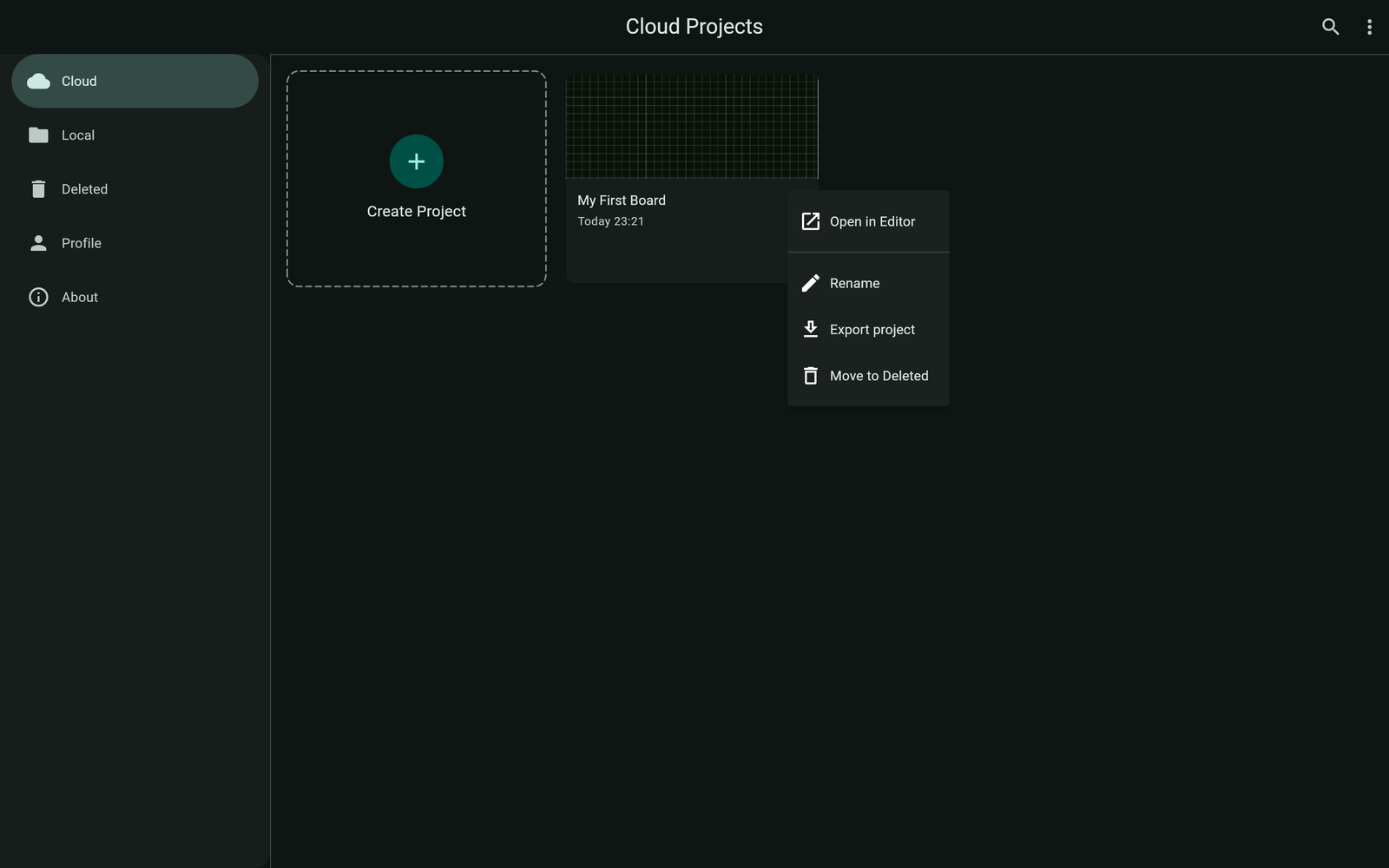
- Export: open the project's menu and choose Export project — the board is saved as a
.pbdfile wherever you choose (on Android the system share/save sheet opens). - Restore: in the project list, open the Create project menu → Import Project (.pbd)… and pick the file. The project is recreated as a new board.
Backups are forward-compatible: a .pbd made in an older app version always restores in a newer one. The reverse isn't guaranteed — if a backup was made with a newer app version than you're running, update the app and import again.
Troubleshooting
I left a draft in an older version that let me design without an account
It's kept on the device it was made on. Sign in on that same device and the app offers to move the draft into your account. If you discarded it when asked, it's gone.
"This backup was created with a newer version of the app"
Update Protoboard Designer (refresh the web app, or update from Google Play), then import the .pbd again.
I hit my cloud board limit
Free accounts keep 3 cloud boards. Export a board you're not using as a .pbd backup and delete it from the cloud — or upgrade to Maker (20) or Engineer (unlimited).